Quick answer
- Only Paradot has native desktop installers: the home page links a macOS .dmg and a Windows .zip (version 1.0.4), but the files were last modified on May 31, 2024 and we did not test them.
- EVA AI reaches Mac only through iOS-app compatibility, not as a native Mac app.
- Everything else is a web app. Nastia AI and GirlfriendGPT offer installable versions that name desktop systems, and CrushOn.AI's wiki says to add the site through Chrome on a PC.
- Local tools such as KoboldCpp, LM Studio, Ollama, TextGen and SillyTavern run on your own computer; see our guide to local vs cloud AI companions.
This page is part of our AI girlfriend apps by device section, and it also answers questions about Mac and Windows. We did not install or test any app. Facts come from company pages, store listings and project documentation, checked on October 20, 2026.
How We Ranked AI Companion Apps for Desktop
We ranked by the desktop route the company itself documents: native installers first, then a documented way to install the site on a PC or Mac, then an installable web app, then a plain browser app. Inside a tier the order follows our ranking of every AI girlfriend app. Apps with no desktop route are not listed. Labels say what each is best for, not that it is best overall.
| App | Web | Desktop | iOS | Android |
|---|---|---|---|---|
| Paradot | Yes | Yes | No | Yes |
 CrushOn.AI CrushOn.AI | Yes | No (web app only) | No App Store app (AltStore sideload) | APK from the official site |
 Nastia AI Nastia AI | Yes | No | No | No |
| GirlfriendGPT | Yes | No (installable web app) | No | No (installable web app) |
 Nomi Nomi | Yes | No (installable web app) | Yes | Yes (per Nomi's wiki) |
 Kupid AI Kupid AI | Yes | No | No | No |
 Kindroid Kindroid | Yes | No (web app only) | Yes | Yes |
Yes No Not confirmed by an official sourceChecked October 20, 2026.
"Not confirmed" in the Desktop column means we found no native desktop app, not that we tested for one.
The Best AI Companion Apps for Desktop, Ranked
1. Paradot
Companion app by WithFeeling.AI, Inc
Only native Mac and Windows installers
- Price
- Price not public
- Free plan
- Yes
- NSFW
- Not confirmed
- Voice calls
- Not confirmed
- Images
- Yes
- Memory
- Yes
- Platforms
- Web · Android · Desktop
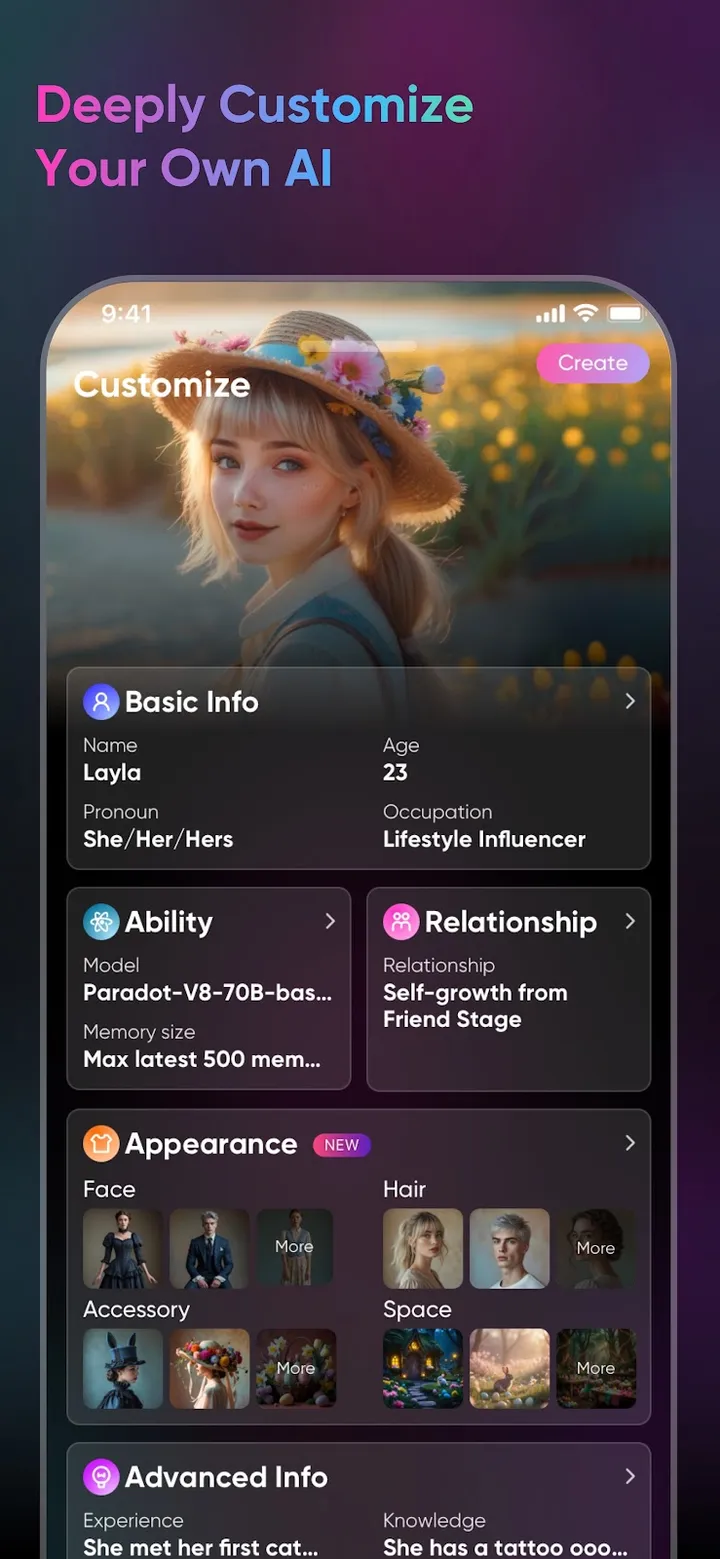
Paradot's home page links ParadotDesktop-1.0.4.dmg for macOS and ParadotDesktop-Setup-1.0.4.zip for Windows. Both files respond, but were last modified on May 31, 2024, and the site has no help center or changelog, so we cannot say they match the current service. Web login uses Google or Apple. See the Paradot review.
Skip it if you want a public price: none is published.
2. CrushOn.AI
Character chat platform by TECHIEPIE LTD
Wiki steps for adding the site on a PC
- Price
- from $5.99/mo
- Free plan
- Yes
- NSFW
- Yes
- Voice calls
- Not confirmed
- Images
- Not confirmed
- Memory
- Yes
- Platforms
- Web · Android (APK)
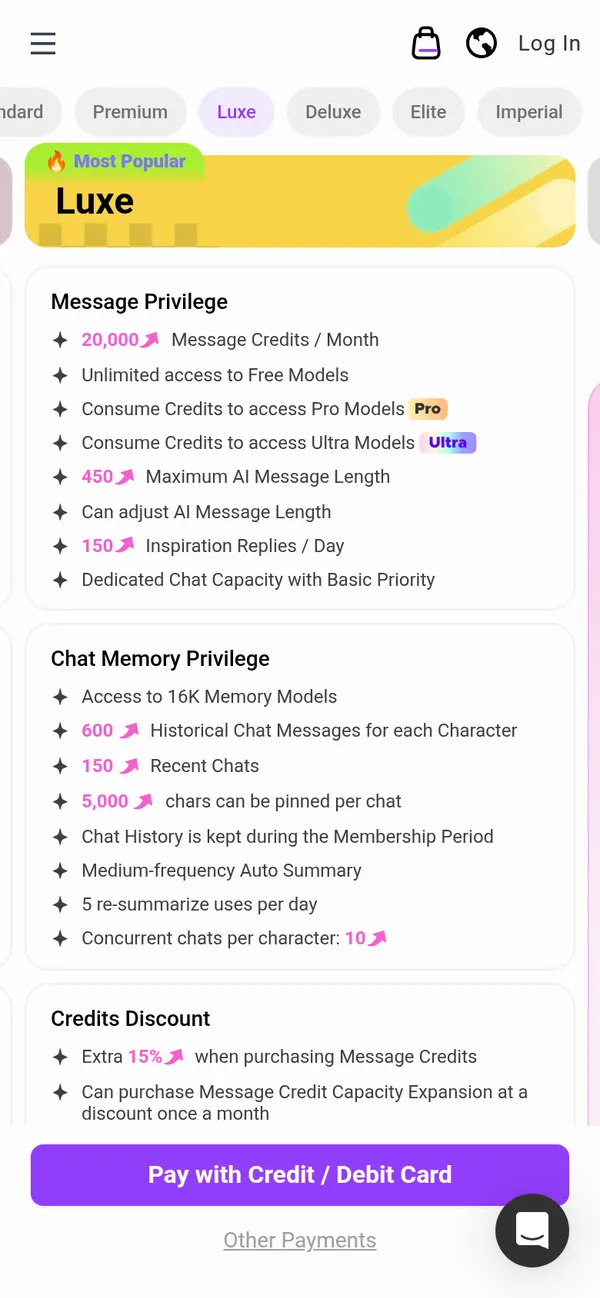
CrushOn.AI has no native desktop client. Its official wiki lists "PC: add the site via Chrome". The free plan gives 100 message credits a month, and prices are public. See the CrushOn.AI review.
Skip it if you want a store or desktop installer.
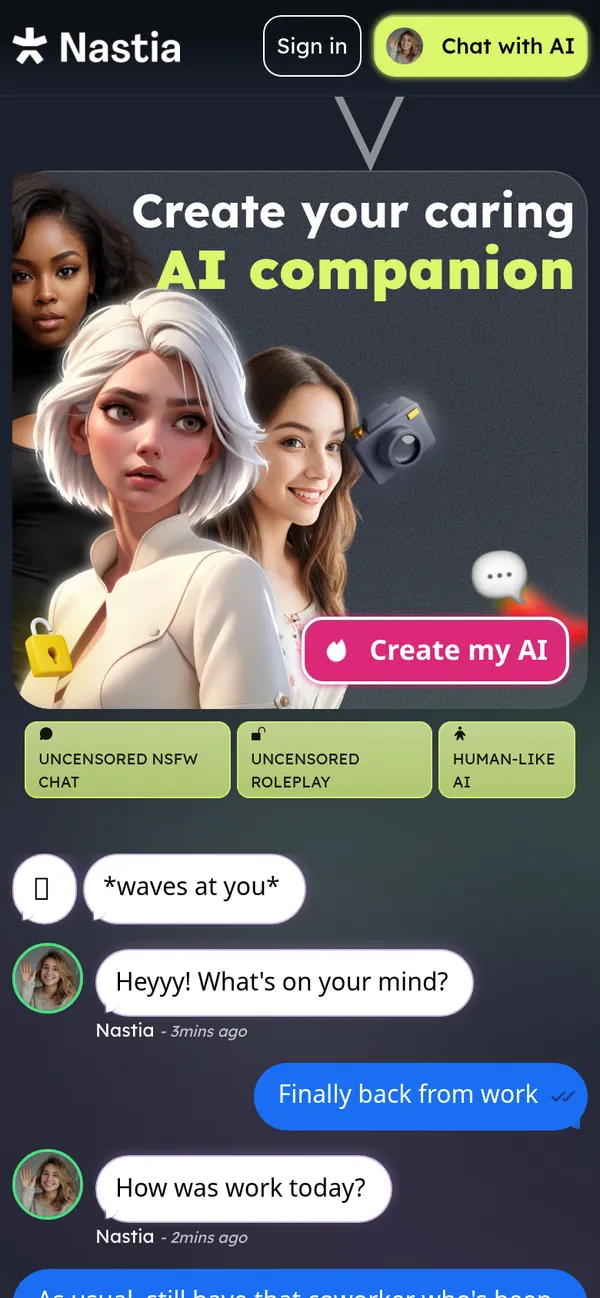
3. Nastia AI
NSFW AI girlfriend platform by Nastia Cybernetics
Install page names Windows and macOS
- Price
- Official prices conflict
- Free plan
- Yes
- NSFW
- Yes
- Voice calls
- Not confirmed
- Images
- Yes
- Memory
- Yes
- Platforms
- Web
Nastia AI's install page says "No App Store Required" and shows Windows and macOS compatibility, although it is a web app, not a native client. A free tier exists; official pages disagree on paid prices. See the Nastia AI review.
Skip it if you want one clear price.
4. GirlfriendGPT
Character chat platform by NextDay AI Incorporated
"Install App" adds a PWA on desktop
- Price
- Paid prices behind login
- Free plan
- Preview (10 to 20 messages in total)
- NSFW
- Yes
- Voice calls
- Not confirmed
- Images
- Yes
- Memory
- Not confirmed
- Platforms
- Web
At gptgirlfriend.online (the old girlfriendgpt.com redirects there) the download page installs a PWA on iOS, Android and desktop. Prices sit behind a login. See the GirlfriendGPT review.
Skip it if you want prices before signing up.
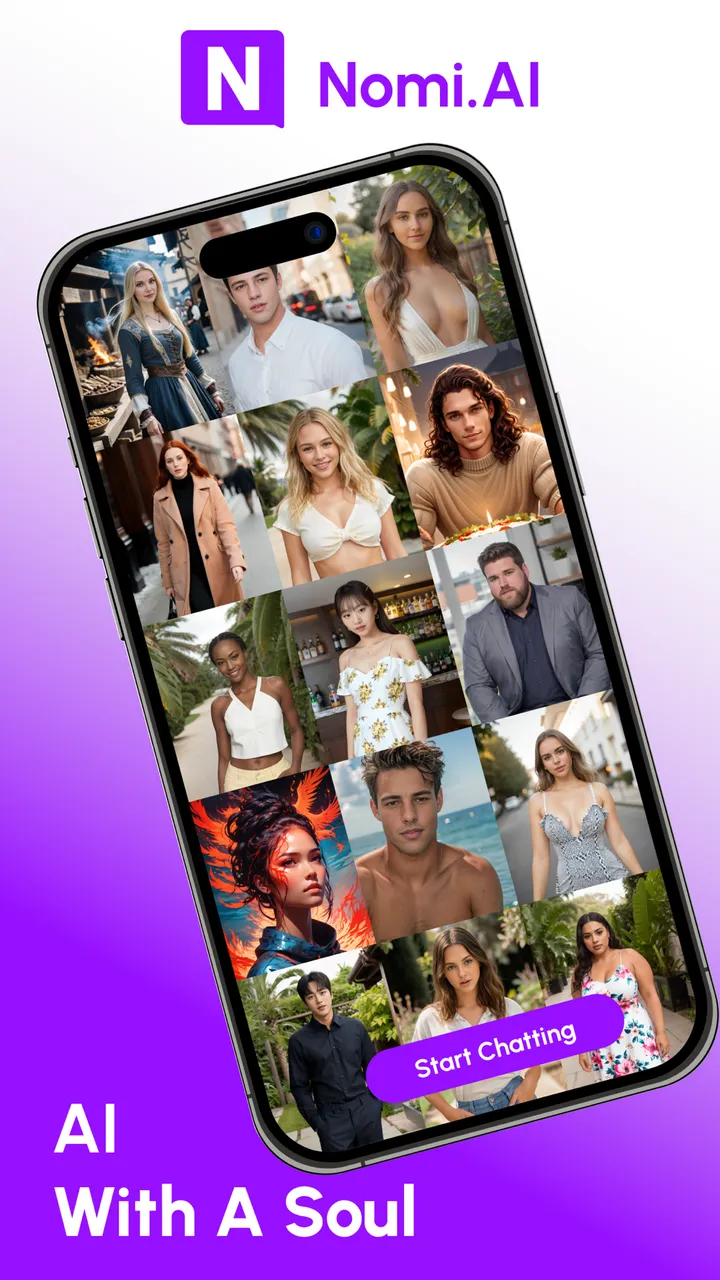
5. Nomi
Companion app by Glimpse.ai, Inc
Full web app, installable PWA
- Price
- from $15.99/mo
- Free plan
- Yes
- NSFW
- Yes
- Voice calls
- Yes
- Images
- Yes
- Memory
- Yes
- Platforms
- Web · iOS · Android
Nomi has no native desktop app. Its wiki describes the browser app and an installable PWA, and the free plan gives 50 messages a day. See the Nomi review.
Skip it if you want chat without a Google or Apple sign-in.
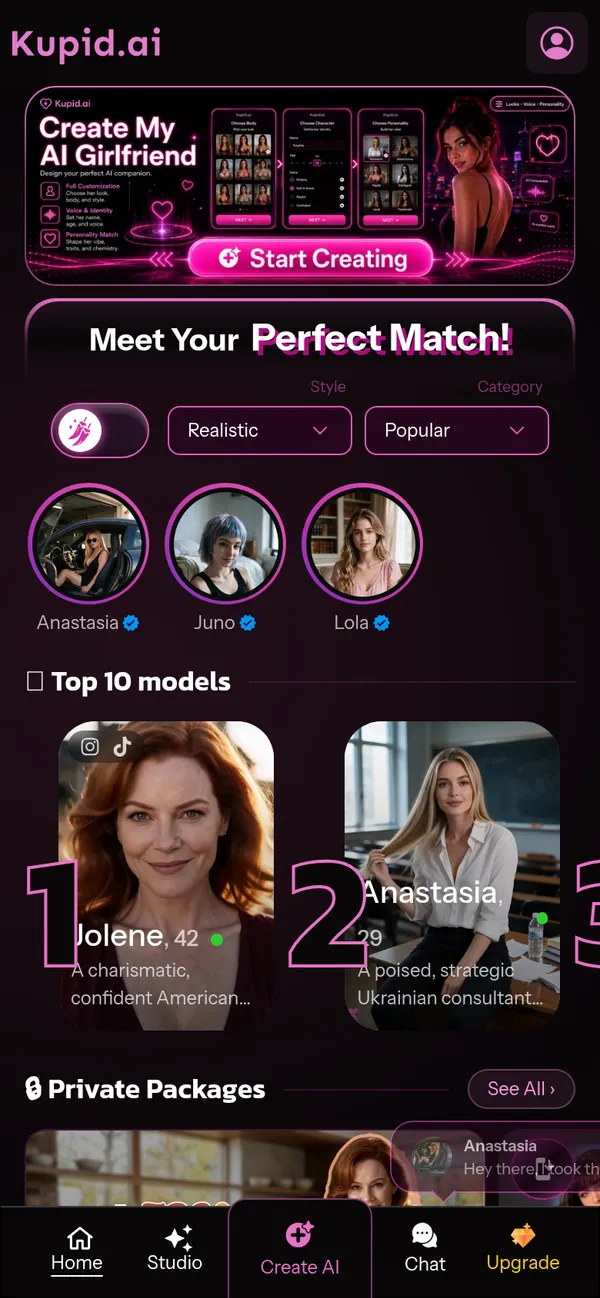
6. Kupid AI
NSFW AI girlfriend platform by Not named in its terms
Browser app on desktop and mobile
- Price
- From $12.99/week (currency unclear)
- Free plan
- Yes
- NSFW
- Yes
- Voice calls
- Not confirmed
- Images
- Yes
- Memory
- Yes
- Platforms
- Web
Kupid AI says it "runs in your browser on desktop and mobile" and has an "Install App" link. It sells weekly, yearly and lifetime access as one-time payments. See the Kupid AI review.
Skip it if you want a monthly plan.

7. Kindroid
Companion app by Beautifully Incorporated
Full web app, no install option documented
- Price
- from $15.99/mo
- Free plan
- No (one-time preview; trial needs a card)
- NSFW
- Yes
- Voice calls
- Yes
- Images
- Yes
- Memory
- Yes
- Platforms
- Web · iOS · Android
Kindroid's V2 web app is the full product, with no native desktop app. There is no free plan since October 1, 2026. See the Kindroid review.
Skip it if you want a free plan.
AI Girlfriend App for Mac
Paradot's macOS installer is the only native Mac download from the apps we track. EVA AI's App Store listing shows Mac and Vision Pro only through iOS-app compatibility. Most Mac users will use Safari or Chrome with a web app from our browser-based AI girlfriend apps list. For local models, KoboldCpp ships Apple Silicon binaries (Intel Macs need a source build), and LM Studio asks for an Apple Silicon Mac on macOS 14 or later, with 16GB of RAM or more recommended.
AI Girlfriend App for Windows and PC
Paradot's Windows installer is a .zip, and the PWAs above install from the browser. For local models, KoboldCpp offers a Windows executable, and LM Studio asks for an x64 CPU with AVX2, 16GB of RAM and at least 4GB of VRAM recommended (Snapdragon X Elite ARM machines are also supported). TextGen offers portable builds for Windows, Linux and macOS with CUDA, Vulkan, ROCm and CPU-only options. SillyTavern needs Node.js 20 or higher, and recommends a 3000-series NVIDIA card with at least 6GB of VRAM for local inference.
Local Tools You Can Run on a Desktop
| Tool | What it is | Systems (official notes) |
|---|---|---|
| SillyTavern | Chat front-end for character cards; needs a model backend | Anything that runs Node.js 20+ |
| KoboldCpp | Runs GGUF models with a built-in chat UI | Windows, Linux, Apple Silicon macOS |
| LM Studio | Desktop app for local models | macOS (Apple Silicon), Windows x64 and ARM, Linux |
| Ollama | Model runner and local API, no companion UI | Not recorded in our research |
| TextGen | Desktop app with character chat modes | Portable builds for Linux, Windows, macOS |
A local front-end is not the same as a local model: SillyTavern can send chats to cloud APIs, so chats stay on your machine only if the model runs there too. The trade-offs are in local vs cloud AI companions. For app-style comparisons, see every AI girlfriend app ranked.
FAQ
Is there an AI girlfriend app for Mac?
Paradot links a macOS installer (version 1.0.4, last modified May 31, 2024). EVA AI runs on Mac only through iOS-app compatibility. Other apps work in a Mac browser.
Is there an AI girlfriend app for Windows?
Paradot links a Windows installer of the same version and age. Everything else we track runs in a browser or as an installable web app.
Can I use an AI girlfriend on a PC without installing anything?
Yes. 17 of the 19 apps have a web app. Several, such as Nomi, Nastia AI and GirlfriendGPT, also offer an installable version.
Can an AI companion run offline on my computer?
With a local model, yes. TextGen describes itself as "100% offline and private", and LM Studio says it can operate entirely offline once a model is downloaded. Hardware needs vary.
Does Paradot have a desktop app?
Its official home page links Mac and Windows installers dated May 2024. We did not test them and found no help page about them.
Sources
Official pages and store listings we read for this page (last check October 20, 2026).
- paradot.ai: Official home page (rendered, login flow, store/desktop links)
- aiwiki.crushon.ai: Official wiki: web, APK and AltStore install options
- nastia.ai: Install page (PWA, no App Store)
- gptgirlfriend.online: Download page: PWA and APK, no store apps
- kupid.ai: PWA manifest
- wiki.nomi.ai
- kindroid.ai: Official home page
- apps.apple.com: Apple App Store US listing: IAP prices, age rating, seller, privacy label
- docs.sillytavern.app: SillyTavern documentation: what it is, hardware, character cards
- github.com: SillyTavern repository (data read via README/LICENSE and API)
- raw.githubusercontent.com: KoboldCpp README
- lmstudio.ai: LM Studio system requirements
- lmstudio.ai: LM Studio offline operation documentation
- docs.ollama.com: Ollama FAQ: local privacy statement, cloud opt-out, default 4096 context
- raw.githubusercontent.com: TextGen README
- github.com: Llama.cpp repository (data via API)